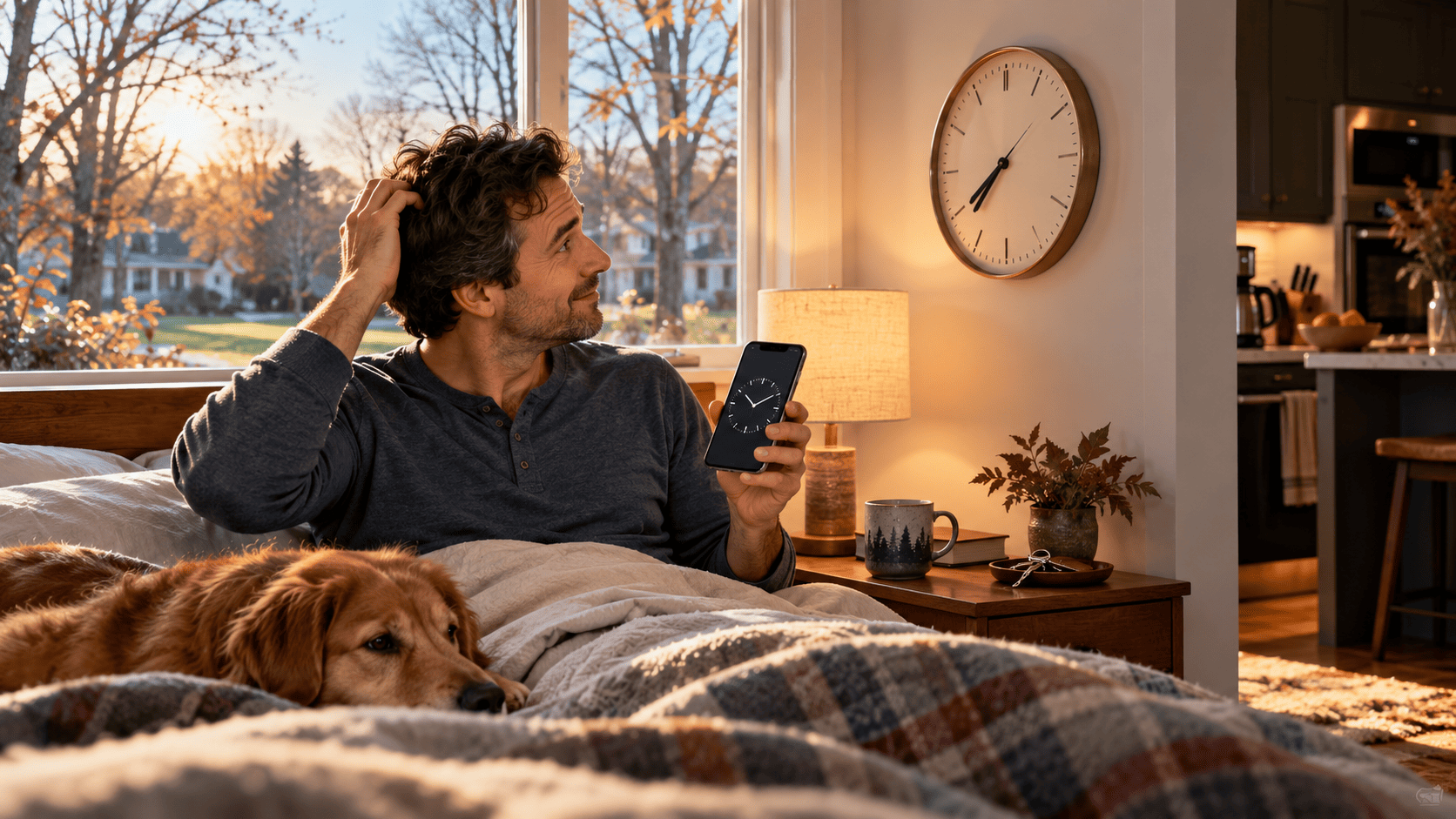
At 2 a.m. on Sunday, November 1, 2026, millions of Americans will get the same hour twice. Clocks fall back to 1 a.m., sunrise and sunset suddenly feel earlier, phones usually correct themselves automatically—and people still wake up wondering whether they changed the microwave, car clock or alarm correctly.
Exactly When Does Daylight Saving Time End in 2026?
In most of the United States, daylight saving time ends on:
Sunday, November 1, 2026
at:
2:00 a.m. local time
At that moment, the clock moves backward one hour.
So:
1:58 a.m.
1:59 a.m.
then instead of 2:00 a.m., the time becomes:
1:00 a.m. again.
NIST describes this as a repeated hour and confirms that U.S. daylight saving time runs in 2026 from March 8 through November 1.
That is where the familiar phrase comes from:
Spring forward. Fall back.
In November, you move the clock backward.
Do You Really Get an Extra Hour of Sleep?
Technically, the night contains one additional clock hour.
Whether you actually sleep for that extra hour is another question.
If you normally sleep from midnight until 7 a.m., keeping the same alarm time after the clocks fall back could give you an additional hour in bed.
But your body does not instantly forget the schedule it followed the previous day.
Your circadian system responds to light, darkness and established routines—not merely the number shown on a clock.
CDC's NIOSH guidance says abrupt time changes can disturb sleep timing and that some people may need several days to adjust.
So Sunday morning may feel wonderful.
Or you may simply wake an hour earlier than you wanted.
What Actually Happens at 2 A.M.?
The hour from 1 a.m. to 2 a.m. occurs twice.
The first time it happens, the country is still observing daylight time.
When the clock would normally reach 2 a.m., clocks move backward.
Then 1 a.m. begins again under standard time.
This matters more to computers, servers, transportation systems and timestamps than most people realize.
For ordinary life, however, the important part is simple:
Sunday becomes a 25-hour day.
Will Your iPhone Change Automatically?
Usually, yes—provided automatic date and time settings are enabled.
Apple says iPhones can automatically adjust for time-zone and clock changes when Set Automatically is enabled.
You can check on an iPhone under:
Settings → General → Date & Time
Then make sure automatic time setting is enabled.
Apple also recommends keeping the device connected to the internet and current with software updates so time-zone information can update correctly.
For most users, this means there is no need to wake up at 2 a.m. and manually change the iPhone clock.
Will an Android Phone Change Automatically?
Usually, yes.
Google says Android devices can automatically update both the date/time and time zone.
Depending on the phone, the settings are generally found through:
Clock → Settings → Change date and time
or the phone's system Date & Time settings.
Look for:
Automatic date and time
and, where available:
Automatic time zone.
Google notes that some Android devices may also use location information when determining the time zone.
If both automatic settings are enabled, the phone should normally make the November 1 change without your help.
So Will My Morning Alarm Still Ring at the Right Time?
For a normal recurring smartphone alarm, usually yes.
Suppose you set an alarm for:
7:00 a.m. Sunday
Your phone updates from daylight time to standard time during the night.
The alarm remains scheduled for 7:00 a.m. according to the new local time.
You do not normally need to move the alarm to 6:00 or 8:00.
The clock changes.
Your alarm time does not need to.
Still, if waking at a specific time is critical—for a flight, shift, exam or important appointment—checking the alarm the night before is sensible.
Technology is reliable.
Verification is cheap.
Do Not Manually Change Your Phone an Hour Early
This is how people accidentally create a two-hour mistake.
If your phone is already set to update automatically and you manually move it back an hour before bed, the device may later make its automatic change too.
Now you can end up an hour behind the correct time.
For phones, tablets, computers and smartwatches configured for automatic time:
leave them alone.
Check them in the morning.
Manual intervention is mostly for devices that do not update themselves.
Which Clocks Still Need to Be Changed Manually?
This is where the Sunday-morning confusion really comes from.
Common devices that may still need manual adjustment include:
microwave clocks;
older ovens;
wall clocks;
alarm clocks;
some coffee makers;
older thermostats;
vehicle clocks;
watches;
and appliances with basic digital displays.
Some modern cars and connected appliances automatically synchronize.
Others absolutely do not.
Your phone may say 8:00 a.m.
Your oven may insist it is 9:00.
Both devices are working exactly as designed.
One knows about daylight saving time.
The other does not.
What About the Clock in Your Car?
It depends on the vehicle.
Newer connected cars may obtain time automatically through:
GPS;
cellular connectivity;
or the infotainment system.
Older vehicles often require manual adjustment.
If you have ever spent ten minutes digging through a dashboard menu simply to change one hour, November 1 may bring that tradition back.
The simplest check is to compare the vehicle clock with your automatically updated phone on Sunday morning.
What About Smartwatches?
A smartwatch paired with a smartphone will generally follow the phone's time.
Apple says paired Apple devices can use updated time-zone information when automatic time settings are enabled.
Wear OS and other connected watches similarly rely on automatic time synchronization in normal use.
If your watch is disconnected, manually configured or behaving incorrectly, compare it with the phone after the transition.
Why Does Sunset Suddenly Feel So Early?
This may be the biggest psychological change.
Daylight saving time effectively shifts an hour of daylight toward the evening.
When DST ends, that hour shifts back toward the morning.
NIST explains that returning to standard time moves daylight from the evening side of the clock toward the morning.
That means a sunset that recently appeared around 6:15 p.m. may suddenly appear on the clock around 5:15 p.m.
The sun did not suddenly start setting an hour faster.
The clock changed.
That difference can make November evenings feel dramatically darker almost overnight.
Morning Gets Lighter Earlier Too
The same change that makes the evening darker generally brings sunrise an hour earlier by the clock.
For early commuters, that may mean more morning light.
For someone who enjoys evening walks after work, the tradeoff can feel less welcome.
This is why the fall time change affects daily routines differently depending on when you:
commute;
exercise;
walk the dog;
take children outside;
or work outdoors.
Why Can One Hour Affect Your Sleep?
Your biological clock is influenced strongly by light exposure.
CDC explains that the circadian system uses light and darkness to help regulate sleep and wake timing.
Bright morning light tends to shift the biological clock earlier, while evening light can push it later.
When clocks suddenly move by an hour, the relationship between:
clock time;
sunlight;
meals;
work;
and bedtime
changes instantly.
Your body may need a little longer to catch up.
The Fall Change Is Often Easier Than the Spring Change
Moving clocks backward generally creates an opportunity for additional sleep rather than removing an hour from the night.
That makes the fall transition easier for many people.
But “easier” does not mean completely invisible.
CDC's NIOSH material says both spring and fall transitions can temporarily disrupt circadian rhythms, sleep timing and alertness.
Some people find themselves:
sleepy unusually early;
awake too early;
hungry earlier;
or tired at a different point in the afternoon.
Those effects usually make more sense when you remember that your biological routine did not receive the memo at exactly 2 a.m.
Do Not Use the Extra Hour as an Excuse to Lose Three
The evening before clocks fall back can create a strange temptation:
“I get an extra hour tonight, so I can stay up much later.”
Stay up three hours later and the mathematical advantage disappears quickly.
CDC recommends maintaining consistent sleep and wake schedules as part of healthy sleep habits.
If you want the extra hour to actually feel helpful, treat it as sleep rather than free late-night screen time.
Morning Light Can Help the Adjustment
Natural light is one of the strongest signals used by the circadian system.
CDC guidance says exposure to bright light after waking can support alertness and help regulate sleep timing.
After the clocks change, opening the curtains and getting outside during the morning can help reinforce the new schedule.
That does not require an elaborate light-therapy routine.
A morning walk can be enough to give your brain a strong daytime cue.
Keep the Evening Routine Predictable
If you suddenly feel sleepy at 8:30 p.m. instead of 9:30 p.m., that is understandable.
Your body may still be responding to the previous schedule.
Try to keep:
dinner;
bedtime;
exercise;
and wake time
reasonably consistent during the transition.
You do not need to force yourself through exhaustion simply because the wall clock says the evening is young.
But large schedule swings can make adjustment harder.
What About Children?
Children do not necessarily appreciate federal time policy.
A toddler who normally wakes at 6:30 a.m. may temporarily wake around what the clock now calls 5:30 a.m.
From the child's biological perspective, very little changed.
Parents can sometimes make the transition less abrupt by shifting bedtime and routine gradually before the clock change.
For school-age children and teenagers, maintaining sufficient sleep remains important.
CDC's current sleep guidance says children ages 6–12 generally need 9–12 hours per 24 hours, while teenagers ages 13–18 generally need 8–10 hours.
Pets Do Not Read Clocks Either
Your dog knows that breakfast happens after a familiar sequence of sounds and light.
Your cat knows exactly when food normally appears.
Neither cares that the federal clock moved backward.
For several days, a pet may expect:
food;
walks;
medication;
or attention
at what now feels like an hour earlier.
If the routine is flexible, shifting feeding and walking times gradually can make the transition less abrupt.
For time-sensitive veterinary medications, follow the veterinarian's instructions rather than improvising around the clock change.
What Happens to Calendar Meetings?
Modern calendar platforms generally store and calculate meeting times using time-zone information.
A recurring meeting at:
10:00 a.m. Eastern Time
should remain at 10:00 a.m. local Eastern time after the transition when it is configured correctly.
But cross-time-zone meetings deserve extra attention.
Why?
Not every country changes clocks on the same date.
Some never change them.
That means the time difference between New York and another international city can temporarily shift even though neither meeting organizer changed the calendar event.
If you work internationally, double-check recurring meetings during DST transition weeks.
Use “Eastern Time,” Not “EST,” When You Mean Year-Round Local Time
This is a useful scheduling habit.
NIST explains that Eastern Standard Time and Eastern Daylight Time refer to different UTC offsets.
Using the broader term Eastern Time (ET) can represent whichever local regime is currently in effect.
So for something that happens all year:
“3 p.m. ET”
is often clearer than writing:
“3 p.m. EST”
during July, when the location may actually be observing EDT.
The same logic applies to:
CT;
MT;
and PT.
What If You Have a Flight on November 1?
Use the time shown by the airline.
Do not manually add or subtract an hour from your departure because you think the schedule was printed before the clock change.
Airline schedules are built around local civil time and time-zone rules.
The safer routine is:
check the airline app the night before;
check again after waking;
and arrive according to the current local time.
If your phone has updated automatically, that will generally be the correct reference.
The bigger risk is doing your own time-zone arithmetic and “correcting” something that did not need correction.
What About Trains and Buses?
Transportation schedules around the repeated hour can sometimes look unusual.
A service operating around 1 a.m. can encounter the same clock time twice.
That is one reason transportation systems rely heavily on standardized time rules.
The U.S. Department of Transportation oversees national time zones and uniform daylight saving time observance because accurate time standards are important to transportation.
If you are traveling overnight during the transition, rely on the operator's current schedule and alerts rather than assuming what a repeated 1:30 a.m. means.
Does Every U.S. State Change Clocks?
No.
Most of the country does.
But important exceptions remain.
NIST and DOT say daylight saving time is not observed in:
Hawaii
most of Arizona
Puerto Rico
American Samoa
Guam
the Northern Mariana Islands
and
the U.S. Virgin Islands.
There is also an important Arizona exception.
The Navajo Nation observes daylight saving time even though most of Arizona does not.
So “Arizona does not change clocks” is almost correct.
Almost.
Why Can States Opt Out but Not Simply Stay on Daylight Time Forever?
Under current federal law, states may choose to exempt themselves from daylight saving time and remain on standard time.
DOT says states do not currently have unilateral authority to observe permanent daylight saving time year-round.
Changing that framework would require federal action.
This is why legislative proposals about “ending clock changes” can sound simpler than the legal structure actually is.
There are two different possible outcomes:
permanent standard time;
or permanent daylight saving time.
Current federal law treats them differently.
Is Daylight Saving Time Ending Permanently in 2026?
No.
Despite recurring bills, headlines and social-media claims, the federal schedule remains in effect.
NIST's current 2026 schedule still lists DST ending on November 1, and DOT continues to describe the existing federal framework governing daylight saving time.
So for 2026:
yes, most Americans still need to fall back.
If you see an old viral post saying “this is the last time clocks will ever change,” check the date of the post before reorganizing your life around it.
What Happens to a 1:30 A.M. Timestamp?
This is one of the weirdest parts.
On November 1, 2026, there are effectively two local moments labeled around 1:30 a.m. in areas observing the transition.
Computers distinguish them through time-zone offsets even though the human-readable clock can look identical.
That matters for:
server logs;
security cameras;
database transactions;
financial systems;
medical systems;
and other software recording precise event order.
For ordinary users, this is usually invisible.
For system administrators, developers and anyone investigating a 1:30 a.m. incident, it can be extremely relevant.
Your Security Camera May Show a Strange Timeline
Some cameras and home devices handle the repeated hour elegantly.
Others may show:
duplicate timestamps;
a jump backward;
or confusing event order.
If you need footage from around the transition for security or legal reasons, preserve the original file metadata rather than relying only on the clock displayed on screen.
The apparent time may not tell the entire story.
What About Medication Schedules?
For ordinary once-daily routines, a one-hour clock change may not create a meaningful practical issue.
But some medications or medical treatments require more precise timing.
Do not guess.
If a medication is time-critical or you have been given exact dosing intervals, follow the instructions from your healthcare professional or pharmacist rather than simply moving the dose because the wall clock changed.
The same principle applies to medical equipment with programmed schedules.
A one-hour time change is small.
The medication instructions matter more.
Check Automated Home Schedules
Smart-home equipment can also behave differently depending on how its automation is configured.
A smart thermostat programmed for:
7 a.m.
will normally continue operating at 7 a.m. local time once its clock updates.
But an automation tied to:
sunrise;
sunset;
a fixed UTC time;
or a device with manual clock settings
may behave differently.
Check anything important that runs automatically, including:
thermostats;
outdoor lights;
sprinklers;
security systems;
pet feeders;
and appliance timers.
This Is a Good Weekend to Check Smoke Alarms Too
The clock change has traditionally been used as a household reminder to inspect safety devices.
You do not need the time change itself to maintain them, but if the calendar reminder helps, use it.
Test smoke and carbon-monoxide alarms according to their manufacturers' instructions.
Check whether any alarms have reached their replacement age.
And remember that modern sealed-battery alarms may not need annual battery replacement.
Maintenance should follow the specific device—not an old slogan.
Do Not Forget the Analog Clock Nobody Looks at Until It Is Wrong
The kitchen wall clock.
The old bedside clock.
The clock on the oven.
The watch inside a drawer.
The clock in the guest room.
The dashboard of the second car.
Some will remain wrong until January because nobody notices them.
A simple Sunday checklist can prevent weeks of:
“Why does that clock say 4:20?”
A Simple Saturday-Night Checklist
Before going to bed on Saturday, October 31:
Make sure your phone uses automatic date and time.
Verify automatic time-zone settings if you travel frequently.
Check that your morning alarm is still enabled.
Do not manually move an automatically updating phone backward.
Change manual wall and appliance clocks before bed if you prefer.
Remember that most clock changes occur automatically only on connected electronic devices.
Then go to sleep.
The federal government does not require you to personally supervise 2 a.m.
Sunday Morning: Check the Devices That Matter
When you wake up:
compare your phone with a reliable network-synchronized time source;
check your alarm clock;
adjust the oven and microwave;
check your vehicle;
verify any important automated home schedule;
and glance at Sunday's appointments.
That is usually enough.
There is no need to spend the morning resetting every electronic device in the house if it already shows the correct time.
Why Does This Feel More Dramatic Every Year?
Because more of our life is scheduled automatically.
A century ago, changing clocks mostly involved clocks.
Today time controls:
phones;
servers;
home automation;
calendars;
flights;
meetings;
medication reminders;
security systems;
cars;
thermostats;
and devices we barely remember contain a clock.
Fortunately, many of those systems also update themselves.
The old ritual of walking around the house changing twenty clocks is slowly disappearing.
The microwave remains undefeated.
So What Should You Remember About November 1?
In most of the United States:
Daylight saving time ends Sunday, November 1, 2026.
At 2 a.m. local time, clocks move backward to 1 a.m.
Your iPhone or Android phone should normally update automatically when automatic date, time and time-zone settings are correctly enabled.
Your microwave probably will not.
Your morning may become brighter.
Your evening will become darker earlier.
Your body may take a few days to feel completely synchronized.
And if you wake up Sunday morning wondering whether the clock really changed:
look at your phone.
Then look at the oven.
If they disagree by exactly one hour, you probably already know which one needs fixing.
------------------------------------------------------------
daylight saving time 2026, daylight savings time 2026, when does daylight saving time end 2026, daylight saving time November 1 2026, clocks fall back 2026, when do clocks change 2026, fall back one hour, daylight saving time end date, does iPhone change time automatically, does Android change time automatically, daylight saving time alarm, DST sleep change, November time change USA
Why Did Your Tire Pressure Light Come On Overnight? Don’t Ignore It Even If It Goes Away
Your Car Won’t Start on the First Cold Morning. Is the Battery Really Dead?
Why Does Your Smoke Alarm Always Chirp at 3 A.M.? There’s a Reason
Why Are Your Windows Wet Every Morning? What Condensation Is Telling You About Your Home
Your iPhone Battery Is Draining Faster After iOS 27. Is the Update to Blame?
Lifestyle
Computers & Technology
Daylight Saving Time Ends Nov. 1. What Actually Changes?
Clocks fall back November 1, 2026. Here’s what happens at 2 a.m., whether your phone and alarm update automatically, and why evenings suddenly get darker.
On Sunday, November 1, most Americans get the same hour twice.
At 2 a.m., the clock goes back to 1.
Your iPhone will probably handle it automatically.
So will most Android phones.
Your microwave?
Probably not.
But the clock is not the only thing that changes.
Sunset suddenly looks an hour earlier, pets may expect breakfast early, children may wake early—and one repeated hour can create some very strange timestamps.
Reader Question
Which clock in your house is usually the last one you remember to change after daylight saving time ends?
Research Notes
NIST confirms that daylight saving time in the United States ends on November 1, 2026. At 2 a.m. local time, clocks return to 1 a.m., producing a repeated hour and a 25-hour day.
DOT oversees U.S. time zones and uniform daylight saving time observance. States may opt out of DST and remain on standard time, but under current law they cannot independently choose permanent daylight saving time.
DST is not observed in Hawaii, most of Arizona, Puerto Rico, American Samoa, Guam, the Northern Mariana Islands or the U.S. Virgin Islands. The Navajo Nation observes DST despite most of Arizona remaining on standard time.
Apple says supported devices can automatically adjust for clock and time-zone changes when automatic date and time settings are enabled. Google provides equivalent automatic date/time and automatic time-zone settings on Android and Pixel devices.
CDC/NIOSH says light-dark timing helps regulate the circadian system and that abrupt clock changes can temporarily affect sleep and alertness. Consistent sleep timing and appropriate daylight exposure can support adjustment.
Consumer Note
Automatic clock behavior varies by device, software version, network connection and settings. For flights, medical schedules, work shifts and other time-critical activities, verify the current local time and follow the instructions of the relevant airline, employer, healthcare professional or service provider.
when does daylight saving time end 2026, daylight saving time November 1 2026, clocks fall back 2026, daylight savings time change, does iPhone change time automatically, does Android change time automatically, fall back one hour, daylight saving time sleep, DST 2026 USA
Daylight Saving Time, DST 2026, Fall Back, Time Change, Sleep, Smartphones, iPhone, Android, Lifestyle, Everyday Questions