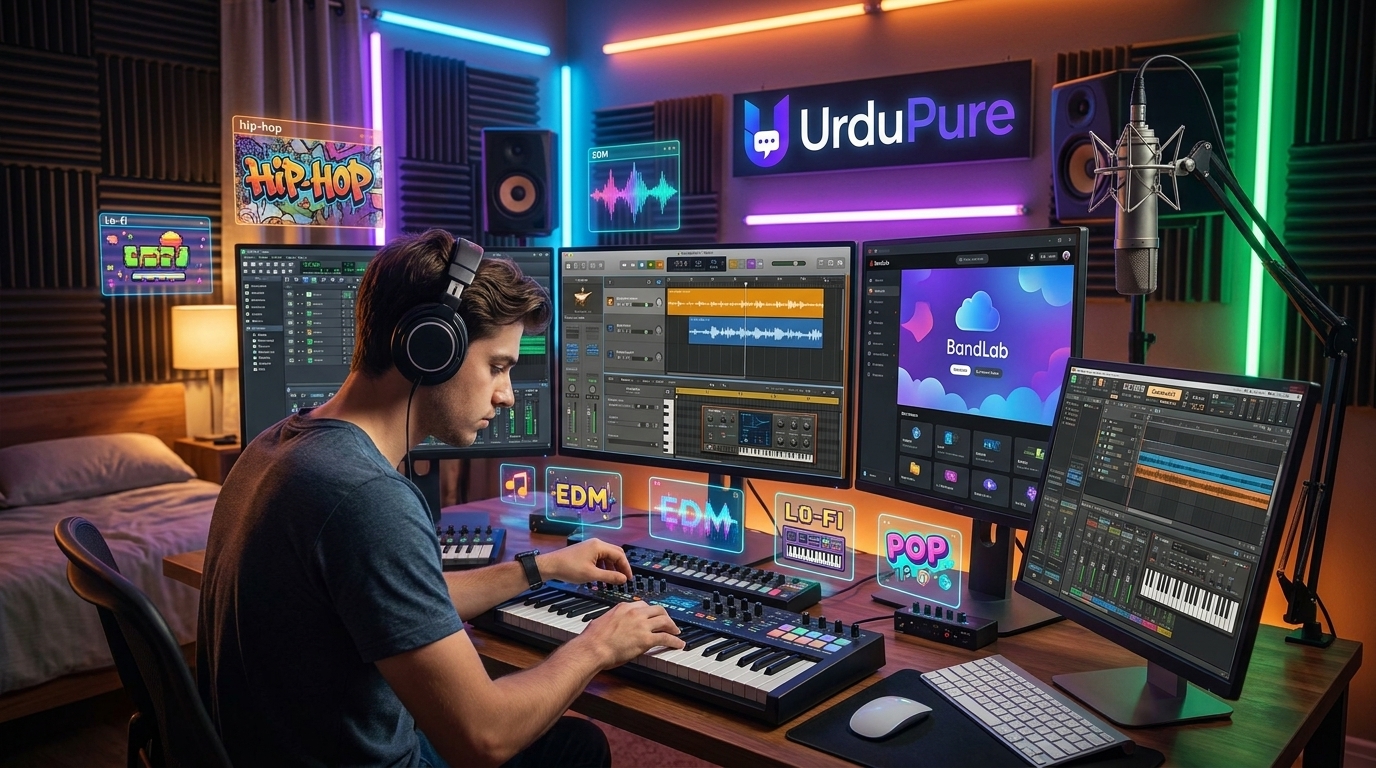
Best Free Music Production Software for Beginners in 2026 (DAW Comparison)
You don't need expensive software to start making music. These free DAWs are where many professional producers began — here's which one is right for you, with an honest comparison of features, workflow, and genre suitability.
The Case for Starting Free
A Digital Audio Workstation (DAW) is the foundational software of music production — the environment in which you record, arrange, mix, and master music. The professional market is dominated by paid software: Ableton Live (£349–£799 / $449–$799), Logic Pro (£199.99 / $199.99 one-time on Mac), FL Studio (£89–£737 / $99–$899), and Pro Tools (£99+ / $99+ annually). These are powerful tools, and for professional production they have real advantages.
But starting with paid software before understanding what you want from a DAW is a common and expensive mistake. The free options in 2026 are genuinely capable of professional-quality output — many chart-topping productions have been started or completed in GarageBand, Bandlab, or LMMS. Understanding what each free DAW does well, and which suits your production style and genre, is the most important choice you'll make as a beginning producer.
The Best Free DAWs in 2026: Ranked and Compared
1. GarageBand — Mac/iOS Only (Completely Free)
Best for: Singer-songwriters, beginners, anyone in the Apple ecosystem
Genre strengths: Pop, indie, acoustic, folk, singer-songwriter, podcast production
Learning curve: Very low
Upgrade path: Logic Pro (direct import of all projects)
GarageBand is the most beginner-accessible DAW available anywhere. Apple has made it completely free for all Mac and iOS users, and the template-based approach — with pre-configured instrument and vocal chains — allows complete beginners to produce listenable music within hours of first opening the application.
The instrument and loop library is genuinely extensive. The Drummer feature — which generates realistic acoustic drum tracks with adjustable feel, complexity, and style — is more usable than many paid alternatives' equivalent tools. The interface is designed for intuition rather than power-user efficiency, which is precisely correct for beginners.
The ceiling is real but higher than most people assume. Professional recordings have been made in GarageBand — the key is understanding when you've outgrown it (typically: when you need more than 255 tracks, when you need advanced MIDI routing, or when you're recording live instruments with complex processing chains). The upgrade path to Logic Pro is direct — all GarageBand projects open natively in Logic — making it effectively a free trial of Logic's workflow.
Key limitation: Mac/iOS only. No Windows or Linux version exists.
2. Bandlab (Online/All Platforms — Completely Free)
Best for: Producers who collaborate online, Windows users who want GarageBand-equivalent simplicity, bedroom producers
Genre strengths: Hip-hop, pop, trap, electronic, R&B
Learning curve: Low
Upgrade path: None direct — export to other DAWs via stems
Bandlab is the most significant new entrant in the free DAW space of the past five years. Its browser-based, cloud-native approach means it runs on any device with a browser — Windows, Mac, Linux, Chromebook, iOS, Android. This platform agnosticism makes it uniquely accessible.
The feature set has matured significantly — multi-track recording, MIDI editing, a growing virtual instrument library, collaboration tools (multiple producers can work on the same project simultaneously from different locations), and a social layer that allows sharing and discovery within the platform. The AI Mastering tool (free, unlimited) produces professional-quality masters with one click — a genuinely useful feature for beginners who haven't developed mixing and mastering skills.
The primary limitation of browser-based DAWs is latency — there's an inherent delay in processing audio through a browser that makes real-time recording of live instruments less comfortable than native applications. For primarily loop-and-MIDI-based production styles (hip-hop, electronic, pop), this is a minor limitation. For recording live bands or vocalists, it's more significant.
3. LMMS — Windows/Mac/Linux (Completely Free, Open Source)
Best for: Electronic music producers, Windows users wanting a powerful free option, producers willing to invest time in a more complex tool
Genre strengths: Electronic, EDM, techno, house, experimental, chiptune
Learning curve: Moderate to high
Upgrade path: No direct path; export via MIDI and audio stems to other DAWs
LMMS (Linux MultiMedia Studio) is the most powerful fully free DAW available and the only one in this list that is genuinely comparable to FL Studio in terms of feature depth — unsurprisingly, since LMMS was initially developed as a free alternative to FL Studio specifically.
The built-in synthesisers — including ZynAddSubFX (a fully featured software synthesiser capable of generating a huge range of sounds) and BitInvader — are genuinely capable of professional electronic sound design. The Beat+Bassline editor is an intuitive step sequencer well-suited to electronic and hip-hop production. The automation capabilities are extensive. And the VST plugin support allows extending the software with the same third-party plugins used by professional producers.
The interface is older in design language than GarageBand or Bandlab, and the learning curve is real. For beginners who want to produce electronic music and are willing to invest time in learning, LMMS has a higher ceiling than either GarageBand or Bandlab.
4. Cakewalk by BandLab — Windows Only (Completely Free)
Best for: Windows users who record live instruments; producers wanting a professional-grade DAW for free
Genre strengths: Rock, metal, singer-songwriter, film/TV scoring, any genre involving live recording
Learning curve: Moderate to high
Upgrade path: No direct path, but industry-standard file formats allow easy migration
Cakewalk — formerly Sonar, acquired and made free by BandLab in 2018 — is the most professionally capable free DAW available for Windows users who record live instruments. The feature set matches or exceeds many paid alternatives: unlimited tracks, professional metering tools, ProChannel (a fully featured channel strip inspired by hardware consoles), a sophisticated MIDI editor, and support for virtually every audio format and plugin standard.
Its genesis as a professional paid application (Sonar was purchased by many professional studios before its acquisition) means it has professional-grade audio quality and workflow at every stage — the free price tag doesn't reflect any quality reduction, simply BandLab's decision to make it free as a user acquisition strategy.
The complexity that makes it powerful also makes it the steepest learning curve on this list. The interface rewards investment in learning and feels initially daunting to complete beginners. For producers who primarily work with recorded instruments and want professional tools from the start, the investment pays off quickly.
5. Audacity — All Platforms (Completely Free, Open Source)
Best for: Recording and basic editing; podcast production; simple multi-track recording
Genre strengths: Not designed for music production — primarily a recording and editing tool
Learning curve: Low for basic functions
Audacity belongs on this list with an honest caveat: it is not a DAW in the full sense — it lacks MIDI support, virtual instruments, and the non-destructive editing workflow of a true music production environment. It is an audio editor and multi-track recorder that is excellent at what it does — recording vocals and instruments, basic editing, noise reduction, and audio format conversion — and completely inappropriate for full music production.
For beginners who want to record vocals or instruments and process them minimally, Audacity is excellent. For anyone who wants to produce complete music, it is a complement to a proper DAW rather than a replacement for one.
Genre-Based Recommendations
Hip-hop, trap, R&B: Bandlab (simplest workflow for beat-making), LMMS (more powerful beat and synth tools if willing to learn)
Pop, indie, singer-songwriter: GarageBand (Mac), Bandlab (Windows/any), Cakewalk (Windows, live recording focus)
Electronic, EDM, techno, house: LMMS first, Bandlab as accessible alternative
Recording live bands or vocalists: Cakewalk (Windows), GarageBand (Mac)
Film/TV scoring, orchestral: Cakewalk or GarageBand, both with reasonable virtual instrument libraries for beginners
The Upgrade Path: When to Invest in Paid Software
The right time to invest in paid DAW software is when you consistently find yourself wanting a specific capability that your free DAW lacks — not before. Common triggers:
Mac users who outgrow GarageBand: Logic Pro at £199.99 / $199.99 (one-time purchase) is the obvious upgrade — same workflow, dramatically more capability, and a professional-grade tool used in major commercial productions
Electronic producers who outgrow LMMS: FL Studio Producer Edition at £186 / $199 is the natural step up — similar paradigm, dramatically better workflow, lifetime free updates
Windows live recording producers who need more than Cakewalk: Reaper at £52 / $60 (discounted licence for non-commercial use) is the best value professional DAW available and is used in professional studios globally
best free DAW 2026, free music production software, GarageBand vs LMMS, Bandlab review, Cakewalk free DAW, best free recording software, beginner music production software, free DAW comparison, LMMS music production, start making music free





Discussion
Comments
Approved comments are published after moderation to keep discussion useful and spam-free.
No comments yet. Start the discussion below.