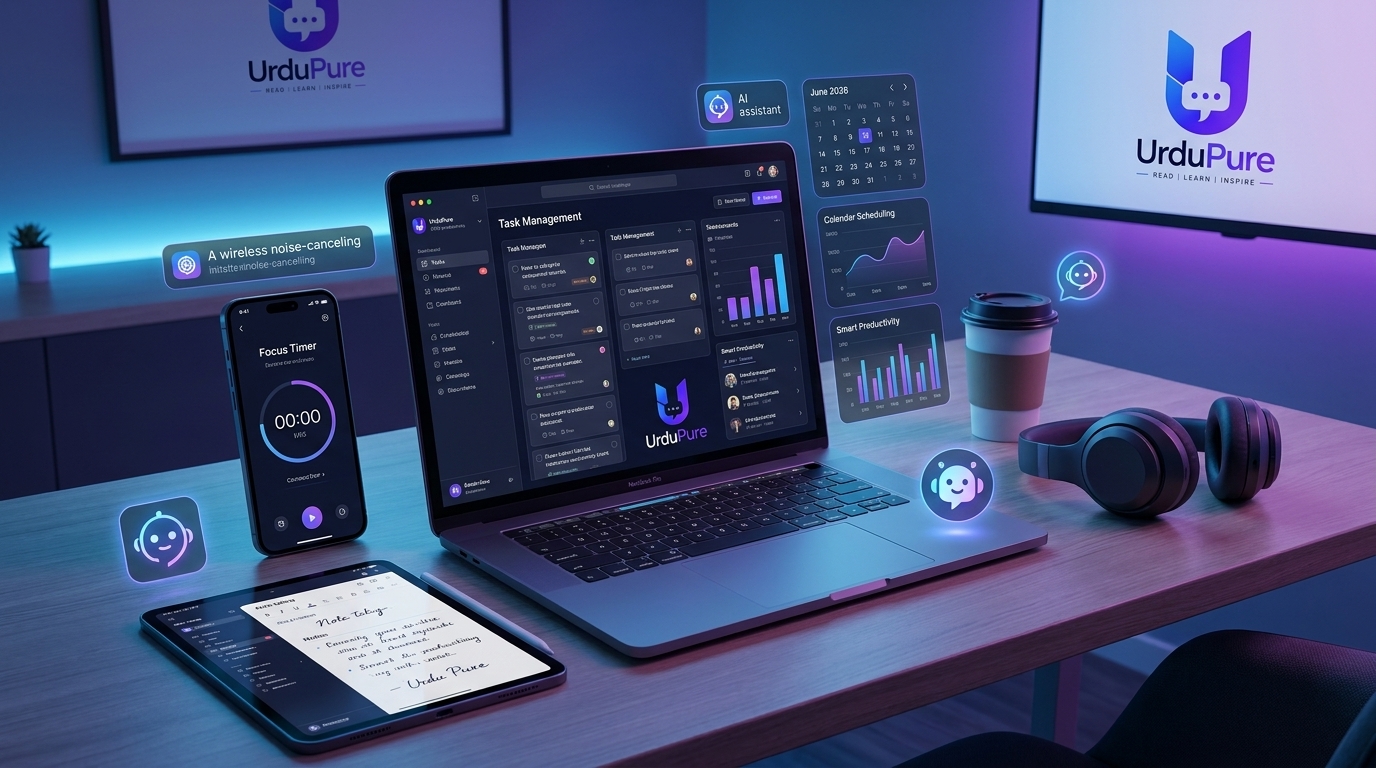
Best Productivity Apps of 2026: Top Tools for Focus, Task Management & Workflow Efficiency
The app market is saturated with productivity tools that don't actually make you more productive. These ones do — ranked by category, with honest assessments of what each does well and who they're actually for.
The Productivity App Paradox
There is a specific type of person who spends significant time researching, installing, and configuring productivity apps — and then uses most of them for two weeks before abandoning them. The irony is that this is often the person most interested in productivity: someone who has internalised the idea that the right tool solves the problem, when in reality the tool is almost never the bottleneck.
The apps that actually make people more productive share a characteristic: they reduce friction for things the person was already doing or already trying to do. A task manager that makes capturing tasks marginally faster produces gains. A note-taking app that finds information faster than a folder full of documents produces gains. A focus tool that makes the decision to start easier produces gains. Apps that require significant configuration or behavioural change to produce any benefit rarely produce it.
Every app on this list has been selected on the basis of documented, specific productivity improvements that real users report across multiple platforms. No aspirational inclusions. No apps that require 20 hours of setup before they work.
Task Management
Todoist — Best Overall Task Manager (Free / £4 per month Pro)
Todoist has held the position of best-in-class general-purpose task manager for the past four years, and 2026 has not changed that assessment. The natural language input ("Call dentist Friday at 3pm" creates a task called "Call dentist" scheduled for the upcoming Friday at 3:00pm) is the best implementation of the feature in any task manager. The cross-platform consistency — identical experience on iOS, Android, macOS, Windows, and web — is unmatched. And the Karma system (which tracks task completion streaks and produces visualisations of productivity trends) provides the behavioural reinforcement that makes long-term consistent use more likely.
The free tier covers most individual users' needs — up to 5 active projects, basic filtering, and full natural language input. The Pro tier (£4 / $4 per month) adds reminders, labels, calendar views, and unlimited projects.
Best for: Anyone who needs a reliable, friction-minimal task capture and management system that works across all their devices
Not ideal for: Teams or project management contexts where collaboration features matter — Todoist's team features exist but are not its strength
Things 3 — Best Task Manager for Apple Ecosystem (One-time purchase: £9.99 iPhone / £19.99 iPad / £49.99 Mac)
Things 3's design — arguably the most beautiful productivity application ever made — has translated into a genuinely exceptional user experience. The implementation of Apple's native features (Shortcuts integration, Apple Watch complications, Siri task creation) is the best of any task manager. The "Areas, Projects, Tasks" hierarchy maps naturally to how most people think about their responsibilities. The focus on polished, distraction-free interaction produces a task management experience that feels enjoyable rather than obligatory.
The limitation is explicit: Things 3 is Apple-only and has no web interface. Cross-platform users or anyone who uses Windows or Android cannot use it. For people fully in the Apple ecosystem, it is the best task management experience available.
Notion — Best for All-in-One Workspace (Free / £9.50 per month Plus)
Notion occupies a different category from dedicated task managers — it is a flexible workspace that can be configured as a task manager, note-taking app, database, wiki, and more. Its flexibility is both its strength and its most common failure mode: users who configure elaborate Notion workspaces often produce beautiful systems they don't actually use, because the maintenance overhead of a complex Notion setup exceeds its productivity benefit.
Notion works best for: project documentation and reference material, team knowledge bases, content calendars, and any use case that benefits from relational databases (tracking books read, films watched, client projects, etc.). It is a poor task manager for daily to-do list management compared to Todoist or Things.
Note-Taking and Knowledge Management
Obsidian — Best for Deep Knowledge Work (Free for personal use)
Obsidian is the most discussed knowledge management tool among the productivity community in 2025–2026. Its core proposition — local-first Markdown files linked together through wiki-style internal links — creates a "personal knowledge graph" that grows more valuable over time as connections between notes accumulate. The Graph View (which visualises the network of connections between all your notes) is one of the most striking demonstrations of how connected knowledge differs from siloed information.
Obsidian's plugin ecosystem is the most extensive of any note-taking application — over 1,000 community plugins cover use cases from spaced repetition flashcards to PDF annotation to habit tracking. This flexibility makes Obsidian the most powerful knowledge management tool available; it also makes it the most complex to set up and the most likely to produce the "elaborate system I don't use" failure mode.
Best for: Writers, researchers, students, and knowledge workers who maintain large bodies of connected information and benefit from seeing relationships between ideas
Not ideal for: Anyone who wants a system that works out of the box without significant configuration investment
Apple Notes — Best "Good Enough" Note-Taker (Free)
The most underrated productivity recommendation in this guide: Apple Notes, which ships free with every Apple device, has been consistently improved since 2020 and now offers features that compete meaningfully with paid alternatives — Smart Folders, Quick Note, rich text formatting, image and document attachment, collaboration, and Siri integration. For users who don't need the advanced linking and knowledge graph features of Obsidian, Apple Notes is faster, simpler, and more reliable than most paid alternatives.
Best for: Apple ecosystem users who want frictionless note capture without configuration overhead
Readwise Reader — Best for Reading and Research (£7.99 / $7.99 per month)
Readwise Reader has changed how serious readers and researchers handle online content. The platform combines a read-later app (save articles, PDFs, newsletters, and YouTube transcripts for later reading) with a highlighting system that syncs to Obsidian, Notion, Roam, and other note-taking tools. The AI summarisation feature (which generates summaries and key points from saved articles) and the "Daily Review" system (which resurfaces past highlights using spaced repetition) make it the most sophisticated reading management tool available.
Focus and Deep Work
Forest — Best Focus App (Free / £2.99 / $3.99 for premium)
Forest gamifies focus sessions by growing a virtual tree during focused work periods — the tree dies if you leave the app to check social media. The simple mechanic is surprisingly effective for people who respond to gamification. The paid version also plants real trees through partnerships with tree-planting organisations, adding a genuine real-world motivator for some users. The simplicity is its strength — no configuration, immediate use.
Freedom — Best Website and App Blocker (£2.42 / $2.99 per month)
Freedom blocks distracting websites and apps across all your devices simultaneously — phone, tablet, and computer — using a VPN-based approach that is significantly harder to circumvent than browser extension-based blockers. For people whose focus is genuinely disrupted by social media or other digital distractions, Freedom is the most effective tool available because it removes the option rather than requiring willpower to resist it.
The key feature: Locked Mode, which prevents Freedom sessions from being cancelled once started. For people who turn off their own focus sessions in moments of weakness, Locked Mode removes that option.
Brain.fm — Best Focus Music (£6.49 / $6.99 per month)
Brain.fm generates music specifically designed to facilitate sustained cognitive work — using AI-generated audio with specific rhythmic properties (approximately 40Hz binaural beats and modulated rhythms) that neuroscience research suggests facilitate focused cognitive states. It is not background music — it is a cognitive performance tool. The research supporting it is more substantial than for most "focus music" products, and a significant proportion of knowledge workers who use it report measurable improvement in focus session quality.
Calendar and Scheduling
Fantastical — Best Calendar App (£4.17 / $4.17 per month)
Fantastical's natural language event creation ("Lunch with Sarah next Wednesday at noon at The Ivy") and its unified view of calendar events and tasks make it the most recommended calendar app among productivity enthusiasts across all platforms. The "Day Ticker" view — a scrolling week view with time blocks — is more useful for daily scheduling than the standard monthly calendar view of most apps. Available for iOS, macOS, watchOS, and web.
Calendly — Best for Meeting Scheduling (Free / £9.17 / $10 per month)
Calendly eliminates the back-and-forth of scheduling meetings by allowing others to book time slots directly from your available calendar slots. A Calendly link shared via email reduces a typical "find a time to meet" email thread from 5–7 emails to 1. The free tier (one event type, unlimited meetings) is sufficient for most individual users. The paid tier adds multiple event types, group scheduling, and integrations with CRM systems.
The Anti-App Recommendation: Analogue Tools
The most consistent finding from productivity research is that the tools matter less than the habits. The person with a paper notebook who captures tasks consistently and reviews them daily is more productive than the person with the most elaborate digital system who uses it inconsistently.
Two analogue tools that consistently outperform digital equivalents for specific use cases:
Paper notebook for morning planning: The physical act of writing the day's three most important tasks produces a psychological commitment that typing does not. A simple A5 notebook with one page per day — morning tasks and evening reflection — is the most universally effective daily planning tool.
Physical timer for focus sessions: A physical Pomodoro timer (or kitchen timer) on the desk is more effective for focus sessions than a phone timer because the phone produces distraction temptation and the physical timer produces environmental commitment cue that a phone screen does not.
Building a System vs Collecting Apps
The most common productivity app mistake is collecting apps rather than building a system. A system is a set of consistent habits supported by specific tools. An app collection is a set of tools without consistent habits connecting them.
The minimum viable productivity system that requires the fewest apps while covering the essential categories: one task manager (Todoist free), one note-taking app (Apple Notes or Obsidian), and one calendar (whatever is already installed). Add apps only when a specific, identified gap exists — not because a new app sounds interesting.
best productivity apps 2026, top apps for productivity, Todoist vs Things 3, Obsidian note-taking, best focus apps 2026, Notion productivity, productivity app stack, Fantastical calendar, best task manager 2026, productivity tools list



Discussion
Comments
Approved comments are published after moderation to keep discussion useful and spam-free.
No comments yet. Start the discussion below.