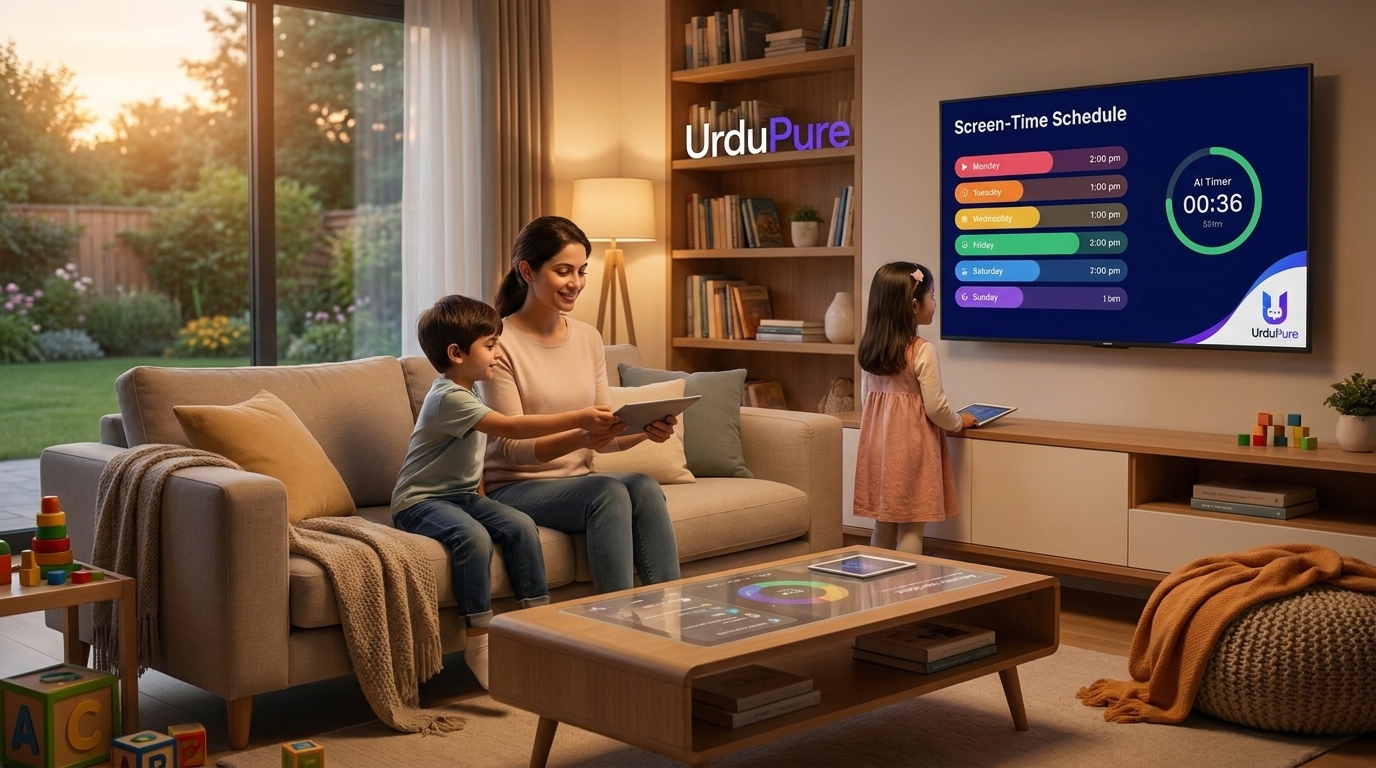
How to Set Screen Time Limits for Kids Without Constant Arguments
Screen time battles are exhausting. Child psychologists share the strategies that actually work — without the power struggle, without the resentment, and without damaging your relationship with your child in the process.
Why Screen Time Battles Happen — and Why They Don't Have To
The screen time battle is one of the most common conflicts in modern parenting — and one of the most exhausting. A parent announces that screen time is ending; the child protests, negotiates, stalls, or has a full meltdown; the parent either capitulates (producing short-term peace and long-term difficulty) or holds the boundary (producing short-term conflict and ideally long-term structure). Neither outcome feels satisfying.
The battles are not primarily about screens. They are about transitions — the neurologically disruptive experience of being pulled away from an engaging activity that releases dopamine. The same child who protests leaving a screen would protest leaving a Lego construction or a game with friends. What makes screens specifically challenging is that they are designed by teams of engineers to be as engaging as possible, using the same psychological mechanisms — variable reward, social approval, continuous progression — that make slot machines and social media addictive to adults.
Understanding this doesn't make the limits less necessary. It makes them easier to set compassionately — recognising that the protest is neurological, not personal — and it suggests the strategies most likely to work.
The Research Foundation: What Limits Are Actually Appropriate
Screen time guidance from major pediatric bodies has evolved significantly as research has accumulated. The current consensus positions:
American Academy of Pediatrics (AAP) 2023 guidelines:
Under 18 months: No screen use except video chatting with family
18–24 months: High-quality programming only, with a parent co-viewing and explaining content
2–5 years: Maximum 1 hour per day of high-quality programming
6 years and older: Consistent limits that ensure screen time doesn't displace sleep, physical activity, homework, social interaction, and face-to-face family time
Royal College of Paediatrics and Child Health (UK) position: More cautious about specific time limits, noting that the evidence base doesn't strongly support specific numerical thresholds for older children. Instead recommends the "4 Cs" framework: Is it Content that is high quality? Is there Connection (shared viewing, discussion)? Is there Calm before bedtime? Does it Crowd out other important activities?
The emerging consensus from researchers like Amy Orben and Andrew Przybylski — who have published the most methodologically rigorous analyses of the screen time evidence — is that the relationship between screen time and wellbeing is weak and highly content-dependent. An hour of Minecraft may have very different effects from an hour of passive TikTok scrolling; a teenager video-calling friends has very different social outcomes from a teenager watching algorithmically-served content alone. Treating "screen time" as a monolithic category obscures the distinctions that matter most.
Strategy 1: Involve Children in Creating the Rules
Rules imposed on children without their involvement are reliably resisted. Rules children have participated in creating are significantly more likely to be followed — not because children will vote for strict limits, but because the process of co-creation produces buy-in that external imposition does not.
A practical approach: hold a family meeting specifically about screen time. Present the research (age-appropriately) on why limits exist. Ask children to propose their own limits — most children, given genuine agency and honest information, propose something reasonably close to what parents would impose. Negotiate the final agreement together. Write it down. Review it after two weeks and adjust based on how it's working.
The specific limits that emerge from this process are less important than the process itself. Children who feel heard and respected in the rule-making process are more likely to follow the rules — and more likely to come to parents honestly when they've exceeded them rather than hiding it.
Strategy 2: The "When-Then" Structure (Not "If-Then")
The framing of screen time transitions matters significantly for reducing conflict. "If you finish your homework, you can have screen time" creates a conditional reward structure that positions homework as an obstacle to the desired activity. "When your homework is done, then we'll have screen time" creates the same logical structure but frames it as an anticipated sequence rather than a conditional bargain.
More specifically: telling children when screen time will happen, not just when it will end, significantly reduces transition difficulty. "Screen time today is from 5pm to 6pm" allows the child to anticipate and mentally prepare for both the start and the end. "You can have screen time when I say so" creates maximum uncertainty and maximum conflict potential at the moment of transition.
Strategy 3: Transition Warnings (And Why They Work)
Abrupt endings are the most reliable producers of screen time conflict. The child is deeply engaged in an activity; a sudden announcement that it must end immediately produces the same neurological disruption that waking someone from deep sleep produces. The emotional reaction is not manipulative — it is a genuine dysregulation response to abrupt transition.
A structured warning sequence — "10 minutes left," "5 minutes left," "2 minutes left, start finding a good stopping point" — gives the nervous system time to prepare for the transition. The "finding a good stopping point" instruction is particularly effective because it gives the child a micro-task (reaching a natural break in the game or programme) that provides a sense of control and closure.
Timer-based warnings work better than verbal warnings for most children — a visual timer (the Time Timer brand's visual time-depleting display is particularly effective for younger children who don't yet have reliable time perception) makes the abstract concept of "10 minutes" concrete and removes the burden of trusting the parent's subjective assessment of elapsed time.
Strategy 4: Parental Controls — The Tools That Actually Work in 2026
Technical controls remove the need for willpower and negotiation — both the child's and the parent's. The best parental control tools in 2026:
Apple Screen Time (iOS / macOS)
Apple's built-in Screen Time feature provides the most comprehensive family management system available for Apple households. Features: daily time limits by app category or individual app, scheduled downtime (periods when the device is locked except for designated apps), communication limits (controlling who children can contact), content restrictions by age rating, and a Family Sharing purchase approval system. The key improvement in 2025–26 is Screen Time's integration with the new child safety features in iOS 18, which adds additional protections for sensitive content and communication safety.
The critical setup step: Set a Screen Time passcode that children don't know. Without this, limits are bypassable with a tap.
Google Family Link (Android)
Google's Family Link provides equivalent functionality for Android devices — app approval, daily limits, location tracking, and device lock at bedtime. The parental interface runs on the parent's device; controls apply to the child's device remotely.
Router-Level Controls
For households where children use multiple devices (including smart TVs, gaming consoles, and computers that aren't covered by device-level controls), router-level content filtering and scheduling provides whole-home coverage. BT Smart Hub (UK), Netgear Armor, and Circle Home Plus all offer parental control features at the router level — cutting off internet access to specific devices at scheduled times regardless of what device is being used.
For Gaming Consoles
PlayStation Family Management and Xbox Family Settings both allow parents to set daily playtime limits, restrict game ratings, and monitor what children are playing. These tools are significantly underused — most parents who struggle with gaming time limits are unaware that native console controls exist and are free.
Strategy 5: Create Compelling Alternatives
The most sustainable screen time limit is one where the child doesn't want to exceed it because alternatives are genuinely appealing. This is the strategy most parents find hardest to implement — it requires investment in creating an environment where non-screen activities are available, engaging, and accessible without significant friction.
Practical approaches: maintain a "boredom box" of art supplies, craft materials, and tactile toys accessible without adult setup. Keep board games visible and accessible rather than stored away. Maintain outdoor equipment that can be used independently. Have a list of activities available on the fridge for moments when "I'm bored" follows screen time ending.
The research on "free, unstructured time" — time without screens but also without adult-directed activity — consistently shows benefits for creativity, problem-solving, and emotional regulation that structured activities and screen time don't produce. Protecting this time, and tolerating the initial boredom that precedes creative play, produces children who are more comfortable entertaining themselves — and therefore less dependent on screens to fill every gap.
What to Do When Limits Are Exceeded
Children will exceed screen time limits. This is normal, expected, and not a catastrophe. The most important parenting response is proportionate and calm:
Avoid escalating the conflict: The goal is correcting the behaviour, not expressing the full emotional weight of the frustration. "That was longer than our agreement — let's talk about what happened" is more productive than a confrontation proportional to the violation.
Use consistent, pre-agreed consequences: If limits are exceeded, a pre-agreed consequence (reduced screen time the following day, earlier device collection that evening) is more effective than improvised consequences that feel punitive rather than logical.
Look for patterns: If limits are consistently exceeded, the limit or the structure may need adjustment rather than the consequence escalation. A limit that isn't working consistently is a sign that something about the system needs to change.
screen time kids 2026, how to limit kids screen time, parental controls guide, Apple Screen Time setup, Google Family Link, screen time rules children, screen time battles solutions, age appropriate screen time, children technology limits, managing kids screen time






Discussion
Comments
Approved comments are published after moderation to keep discussion useful and spam-free.
No comments yet. Start the discussion below.