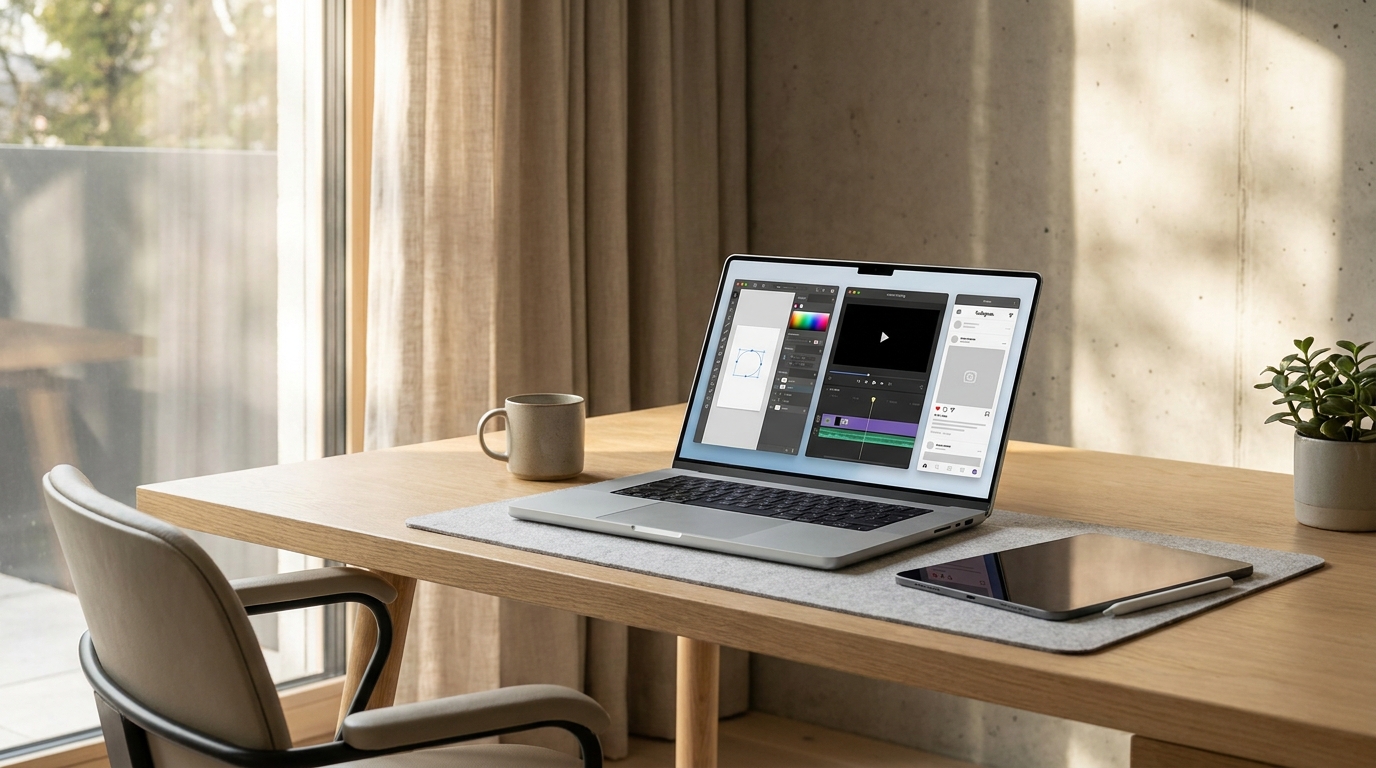
The Best Free Design Tools in 2026 That Rival Expensive Software
Professional-quality design no longer requires an Adobe subscription. These free tools are shockingly capable — here's which ones to use for logos, social media, web design, print, and video, with honest comparisons to their paid equivalents.
The Death of the Design Software Monopoly
For two decades, Adobe held a near-monopoly on professional design software. Photoshop, Illustrator, InDesign, and Premiere Pro were the tools of the profession — and their subscription pricing (currently £54.98 / $54.99 per month for the full Creative Cloud) reflected that market position. If you wanted to work professionally, you paid Adobe's price.
That monopoly has effectively ended. A combination of well-funded competitors, open-source projects, and browser-based tools has produced a landscape in 2026 where genuinely professional-grade work is achievable with free or dramatically cheaper alternatives. This isn't a guide to almost-good-enough tools. Several of the free options below are preferred over Adobe equivalents by working professionals in specific use cases.
For Logo and Vector Design
Inkscape — Free, Windows/Mac/Linux
Inkscape is a professional-grade vector graphics editor — the free, open-source equivalent of Adobe Illustrator. It reads and writes SVG (Scalable Vector Graphics) natively, imports and exports AI, EPS, PDF, and PNG formats, and includes the core node editing, bezier curves, and path operations that form the basis of professional vector work.
The interface is less polished than Illustrator's and the learning curve is steeper for designers transitioning from Adobe's ecosystem. But for the core task of creating scalable logos, icons, and illustrations, Inkscape is functionally equivalent to Illustrator in almost every use case a freelancer or small business owner would encounter.
Best for: Logo design, icon creation, technical illustration, SVG animation preparation
Learning resources: Logos by Nick's YouTube channel is the definitive free Inkscape education resource
Honest limitation: The font rendering and text handling is inferior to Illustrator; complex multi-page document layout is better handled by Scribus
Canva Free — Browser/iOS/Android
Canva's free tier provides access to an enormous template library, basic vector elements, and a drag-and-drop interface that allows non-designers to produce professional-looking social media graphics, presentations, and simple print materials without design training. The free tier is genuinely comprehensive — the paid tier (Canva Pro, £10.99 / $12.99 per month) adds brand kits, background removal, and advanced features, but the free tier handles most small business and content creator needs.
Best for: Social media graphics, simple presentations, content creators, non-designers who need professional-looking output quickly
Honest limitation: Canva's output is recognisably "Canva" to trained eyes — the template-driven approach produces a homogeneous aesthetic that professional designers avoid for client work
Vectornator (Now Linearity Curve) — Free on Mac/iOS
Apple-ecosystem-specific vector editor that has become the most recommended Illustrator alternative for Mac and iPad users. The interface is more intuitive than Inkscape, the Apple Pencil integration for iPad is excellent, and the file compatibility (imports AI files) is strong. The free tier covers full feature access; the paid tier adds collaboration features.
For Photo Editing and Manipulation
GIMP — Free, Windows/Mac/Linux
GIMP (GNU Image Manipulation Program) is the most comprehensive free alternative to Adobe Photoshop. Layer-based editing, selection tools, adjustment layers, clone stamp, healing brush, filters — the core Photoshop workflow is replicated with sufficient fidelity for most professional applications.
The interface differs significantly from Photoshop, which creates a learning curve for Adobe-trained designers. The Script-Fu scripting system provides automation capabilities for batch processing. And the plugin ecosystem — while smaller than Photoshop's — includes equivalents for most common Photoshop extensions.
Best for: Photo manipulation, compositing, retouching, graphic design requiring pixel-level control
Honest limitation: No non-destructive editing workflow comparable to Photoshop's Smart Objects; CMYK colour mode support is limited
Photopea — Free, Browser-Based
Photopea is the most surprising entry on this list — a fully browser-based Photoshop alternative that opens PSD, AI, and XD files natively and replicates the Photoshop interface with remarkable fidelity. It runs in any browser without installation, handles layers, masks, and adjustment layers, and is genuinely used by working professionals for quick edits when their primary workstation isn't available.
Best for: Designers who need Photoshop-equivalent functionality without installation; quick edits on unfamiliar machines; students learning Photoshop skills without the subscription cost
Honest limitation: Performance on large files is limited by browser memory; no offline capability
Darktable — Free, Windows/Mac/Linux
As covered in the Photography section of this site, Darktable is the professional-grade free alternative to Adobe Lightroom for RAW photo editing and library management. For photographers and designers working with camera RAW files, it provides genuinely professional results without subscription cost.
For UI/UX and Web Design
Figma (Free Tier) — Browser/Desktop
Figma's free tier is the most compelling design software offering in this entire guide — and arguably in the entire design software market. The free tier allows two editors, three projects, and unlimited viewers, with access to Figma's complete prototyping, auto-layout, component, and vector editing capabilities. For individual designers and small teams, the free tier covers most professional use cases.
Figma has become the dominant tool for UI/UX design and design collaboration — the standard used by the majority of product design teams at technology companies globally. Learning Figma on the free tier provides skills directly transferable to professional design environments.
Best for: UI/UX design, web design mockups, app design, design systems, collaborative design work
Why it matters: Figma's adoption is so widespread that it is the single most employability-relevant design tool to learn in 2026
Penpot — Free, Open Source, Self-Hosted or Cloud
Penpot is the open-source, privacy-focused alternative to Figma — increasingly relevant for organisations that cannot share design work through third-party cloud services. The feature set has matured significantly in 2025–2026, with CSS Grid support, improved prototyping, and a growing plugin ecosystem. For designers in regulated industries (healthcare, finance, government) where cloud data sharing is restricted, Penpot's self-hosted option is the most viable Figma alternative.
For Print Design and Layout
Scribus — Free, Windows/Mac/Linux
Scribus is the open-source equivalent of Adobe InDesign — a professional desktop publishing application for multi-page documents, books, magazines, and print-ready layouts. CMYK colour support, PDF/X output for professional printing, master pages, styles, and text frame threading are all included. The interface is dated compared to InDesign but the output quality is fully professional.
Best for: Multi-page documents, print layout, books, magazines, brochures
Honest limitation: The learning curve is significant and the documentation less comprehensive than InDesign's
Canva for Print (Free Tier)
For simpler print design — business cards, flyers, posters, invitations — Canva's free tier provides sufficient capability with the advantage of a template library that reduces design time dramatically. Print-ready PDF export is available on the free tier for most document types.
For Video Editing
DaVinci Resolve (Free Version) — Windows/Mac/Linux
DaVinci Resolve's free version is the most remarkable free software offering in any creative category. The tool used for colour grading in Hollywood productions — including feature films and major streaming series — is available completely free for individual use, with a feature set that rivals and in colour grading surpasses Adobe Premiere Pro. Multi-camera editing, audio mixing (Fairlight), motion graphics (Fusion), and colour grading are all included in the free version.
Best for: Video editing, colour grading, content creation, independent filmmaking
Why it matters: DaVinci Resolve is the industry standard for colour grading — learning it on the free version provides directly employable professional skills
CapCut — Free, All Platforms
For social media-oriented video editing — short-form content for TikTok, Instagram Reels, YouTube Shorts — CapCut's free tier provides templates, auto-captioning, AI-enhanced editing, and transitions optimised for vertical video. The template library is particularly valuable for content creators who want professional-looking edits without video editing expertise.
The Stack: Recommended Free Tool Combinations by Use Case
For a Freelance Graphic Designer
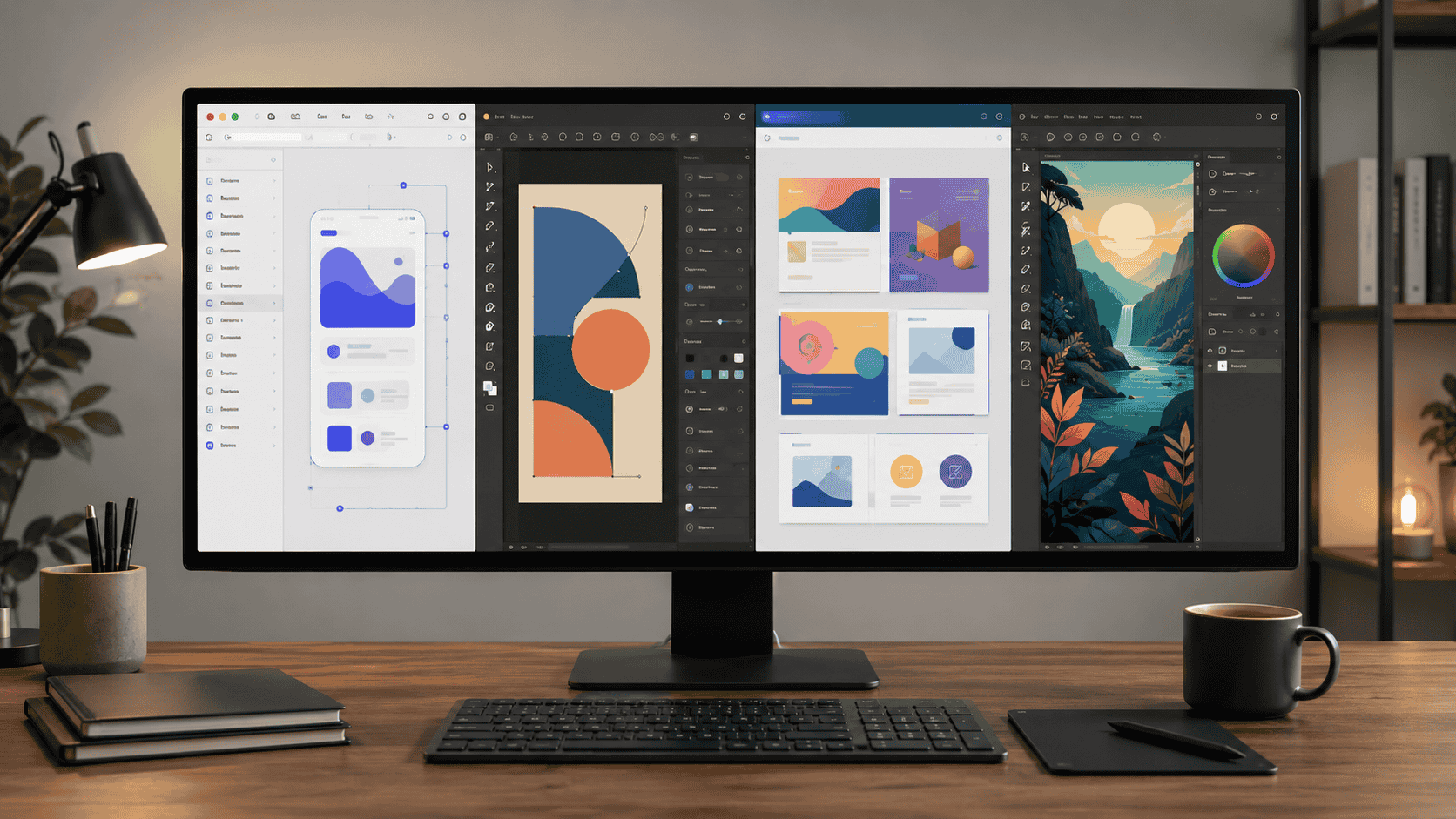
Inkscape (vector/logo) + GIMP (photo editing) + Scribus (print layout) + Canva Free (quick social graphics) = complete professional toolkit at zero software cost
For a UI/UX Designer
Figma free tier (design and prototyping) + Photopea (quick photo edits) + DaVinci Resolve (any video requirements) = complete product design toolkit
For a Content Creator
Canva Free (graphics and social posts) + CapCut (short video) + DaVinci Resolve (long-form YouTube) + Photopea (thumbnail editing) = complete content creation toolkit
For a Small Business Owner
Canva Free (all marketing materials) + Figma free tier (website mockups) + CapCut (social video) = professional marketing capability without any software subscription
best free design tools 2026, Canva alternatives free, free graphic design software, GIMP vs Photoshop free, Inkscape Illustrator alternative, Figma free tier, DaVinci Resolve free, free design software professional, Photopea browser, free UI design tools
Discussion
Comments
Approved comments are published after moderation to keep discussion useful and spam-free.
No comments yet. Start the discussion below.