The Short Answer: Update to iOS 26.5.2 Now
If your iPhone supports iOS 26, the version you should be running now is iOS 26.5.2.
The reason is simple: iOS 26.5 introduced the important new features, but iOS 26.5.2 is the newer security-focused update released after it. Apple lists iOS 26.5.2 as the latest iOS and iPadOS version as of July 6, 2026.
So the practical advice is this:
Do not stop at iOS 26.5. Update to iOS 26.5.2.
iOS 26.5 brought the headline changes: end-to-end encrypted RCS messaging in beta, Pride Luminance wallpaper, Suggested Places in Maps, bug fixes and security updates. iOS 26.5.2 follows that with additional security fixes.
That makes this update important even if you do not care about new features.
Why iOS 26.5 Still Matters
Even though iOS 26.5.2 is now the latest update, iOS 26.5 is still the major feature release people are searching for.
Apple released iOS 26.5 in May 2026. It introduced:
End-to-end encrypted RCS messaging in beta
Pride Luminance wallpaper
Suggested Places in Maps
Bug fixes
Security updates
Then Apple released iOS 26.5.2 on June 29, 2026, mainly as a security update.
That is why the story is best understood like this:
iOS 26.5 brought the features. iOS 26.5.2 is the safer version to install today.
The Biggest Feature: End-to-End Encrypted RCS Messaging
The most important feature from iOS 26.5 is support for end-to-end encrypted RCS messaging in beta.
RCS stands for Rich Communication Services. It is the modern messaging standard designed to replace old SMS and MMS. RCS supports better-quality photos and videos, typing indicators, read receipts and improved group messaging.
Apple had already added RCS support earlier, but iOS 26.5 added the more important privacy layer: end-to-end encrypted RCS messaging in beta.
This matters because iPhone-to-iPhone iMessage conversations have long been end-to-end encrypted. The problem has always been cross-platform messaging. When an iPhone user messages an Android user, the conversation historically did not have the same privacy protection as iMessage.
With iOS 26.5, Apple started rolling out encrypted RCS support with compatible carriers.
Important RCS Limitation
End-to-end encrypted RCS is still marked as beta and depends on carrier support.
That means not every iPhone user will see it immediately, and not every Android conversation will automatically become encrypted. The feature depends on:
Your iPhone software version
Your carrier
The recipient’s device
The recipient’s messaging app
The recipient’s carrier support
Apple’s carrier support pages show that encrypted RCS beta is available through selected carriers, but rollout varies by country and network.
So yes, encrypted RCS is a major step forward.
But no, it does not mean every green-bubble conversation is automatically encrypted today.
How to Check RCS Messaging on iPhone
To check whether RCS is available on your iPhone:
Open Settings
Tap Apps
Tap Messages
Look for RCS Messaging
Turn it on if available
When RCS is supported for a conversation, you may see RCS indicators in Messages. Encrypted RCS availability depends on carrier and recipient support.
If you do not see the option, your carrier, region or device setup may not support it yet.
Pride Luminance Wallpaper
iOS 26.5 also added Apple’s Pride Luminance wallpaper.
This wallpaper dynamically refracts a spectrum of colors and was released as part of Apple’s Pride collection. It is designed to match the broader Pride theme across Apple devices, including Apple Watch faces and bands.
To find it:
Open Settings
Tap Wallpaper
Tap Add New Wallpaper
Look for the Pride Luminance option
This is not the biggest productivity feature, but it is a visible and popular addition for users who like Apple’s annual Pride designs.
Suggested Places in Maps
Another useful iOS 26.5 addition is Suggested Places in Maps.
This feature shows recommendations based on what is trending nearby and your recent searches.
For example, if you are in a new city or searching for restaurants, shops, parks or local spots, Apple Maps can surface more relevant suggestions without requiring a completely new search every time.
This is a small feature, but it makes Maps feel more proactive.
iOS 26.5.2: What Changed After iOS 26.5?
iOS 26.5.2 is not a flashy update. It is a security-focused release.
Apple says iOS 26.5.2 provides security fixes for iPhone. Apple’s security notes also state that the update delivers security fixes that were first made available in iOS 26.6 and iPadOS 26.6 betas.
This is why iOS 26.5.2 matters even if you already installed iOS 26.5.
Security updates protect your iPhone from vulnerabilities that may affect Safari, system services, apps, messaging, wireless connections or other core parts of iOS. Even when Apple does not promote a security update heavily, it is usually worth installing quickly.
Should You Update to iOS 26.5.2?
Yes.
For most users, updating to iOS 26.5.2 is the best option.
You should update if:
You use your iPhone for banking
You use your iPhone for work email
You use Messages frequently
You browse the web on Safari or in-app browsers
You store personal photos, documents or passwords
You already installed iOS 26 and want the latest security fixes
The update is especially important because Apple security updates are designed to close vulnerabilities. Delaying security updates leaves your device exposed for no real benefit.
Who Should Wait Before Updating?
Most users should update now, but there are a few exceptions.
You may want to wait 24 to 48 hours if:
Your iPhone is managed by your employer
You depend on a work app that has not been tested with the latest iOS version
You use specialized banking, trading, medical or business apps
Your iPhone has very little free storage
Your device has battery or charging problems and you need to prepare first
If your iPhone is used for normal personal use, updating is the safer choice.
iOS 26 Compatibility: Which iPhones Can Update?
Apple lists iOS 26.5.2 for iPhone 11 and later.
That means the following iPhone models are part of the iOS 26 update family:
iPhone 11
iPhone 11 Pro
iPhone 11 Pro Max
iPhone 12
iPhone 12 mini
iPhone 12 Pro
iPhone 12 Pro Max
iPhone 13
iPhone 13 mini
iPhone 13 Pro
iPhone 13 Pro Max
iPhone 14
iPhone 14 Plus
iPhone 14 Pro
iPhone 14 Pro Max
iPhone 15
iPhone 15 Plus
iPhone 15 Pro
iPhone 15 Pro Max
iPhone 16 models
iPhone 16e
iPhone 17 models
iPhone Air
Older iPhones such as iPhone XR, iPhone XS and iPhone XS Max are not on the iOS 26.5.2 compatibility list. Apple continues to provide separate security updates for some older devices through older iOS branches.
How to Update Your iPhone
Before updating, back up your iPhone.
Step 1: Back Up Your iPhone
Go to:
Settings → Your Name → iCloud → iCloud Backup → Back Up Now
You can also back up using Finder on Mac or iTunes on Windows.
Step 2: Check Battery and Wi-Fi
Make sure your iPhone has at least 50% battery or is plugged in.
Connect to a stable Wi-Fi network.
Step 3: Install the Update
Go to:
Settings → General → Software Update
If iOS 26.5.2 appears, tap Download and Install.
Your iPhone will download the update, verify it and restart during installation.
How Long Does the Update Take?
The full update process usually takes 15 to 30 minutes, depending on:
Your internet speed
Your iPhone model
Available storage
Apple server load
Whether your phone has already downloaded part of the update
The restart and installation stage is usually the part where your iPhone is unavailable.
What to Do Before Updating
Before installing iOS 26.5.2, do these five things:
Back up your iPhone.
Make sure you know your passcode.
Keep at least several GB of free storage.
Plug in your iPhone if the battery is low.
Update important apps after the iOS update finishes.
These steps reduce the risk of update problems.
What If the Update Does Not Appear?
If iOS 26.5.2 does not appear on your iPhone, try the following:
Restart your iPhone.
Check Wi-Fi connection.
Make sure your iPhone is compatible.
Check available storage.
Wait and try again later.
If your iPhone is managed by work or school, ask the administrator.
Some managed devices receive updates later because companies test updates before allowing employees to install them.
iOS 26: The Bigger Design Change Behind These Updates
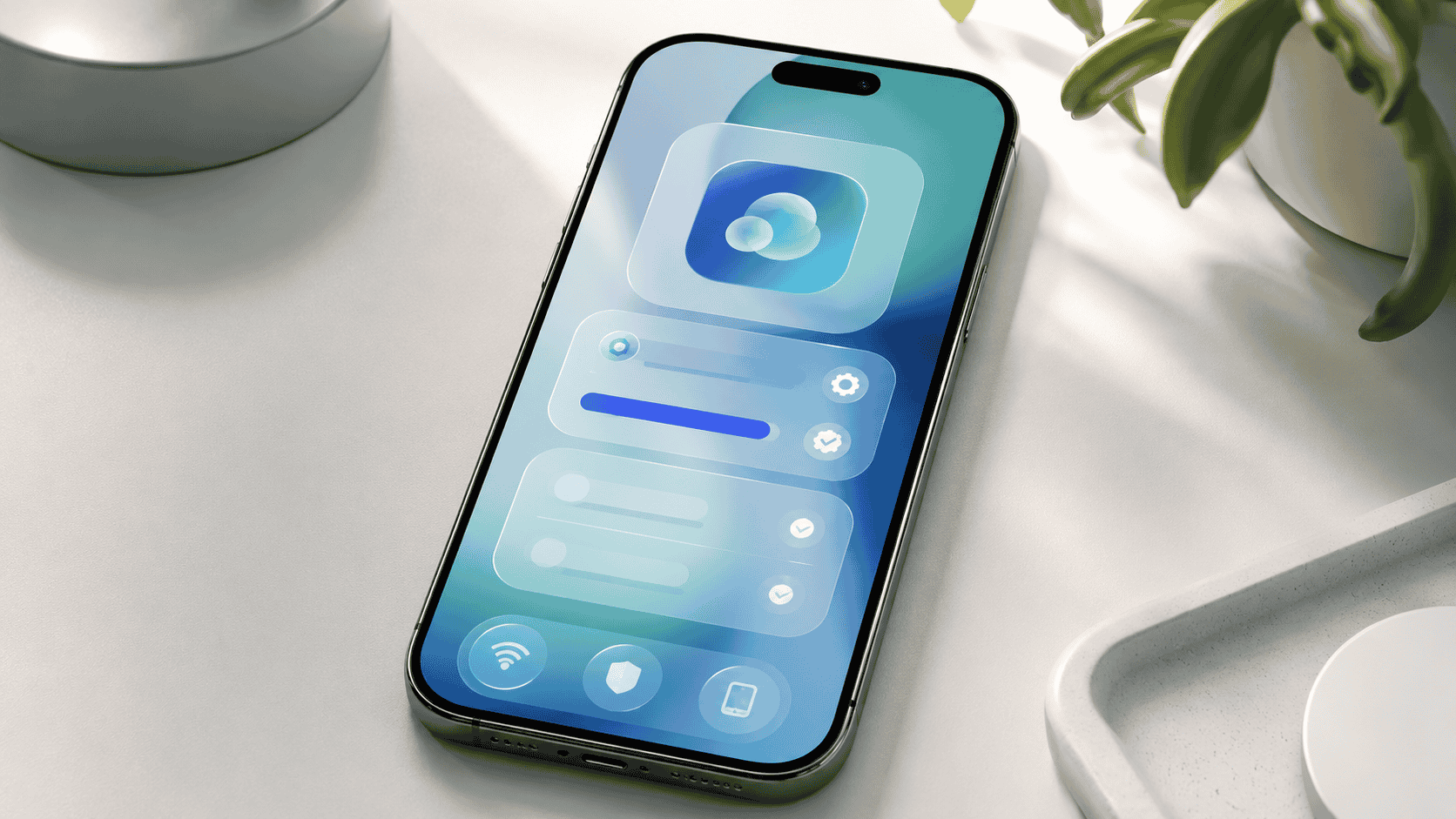
iOS 26 is not just a small version bump. It introduced Apple’s Liquid Glass design language across the system.
Liquid Glass gives iOS a more translucent, layered and reflective look. It affects controls, navigation, app icons, menus, buttons and widgets.
This is one of Apple’s biggest interface changes in years. Some users love the more dynamic design. Others prefer the older, flatter interface.
If you updated from iOS 18 or earlier, iOS 26 may feel noticeably different at first.
Apple Intelligence and iOS 26
iOS 26 also expands Apple Intelligence features across compatible devices.
However, not every iPhone that supports iOS 26 supports every Apple Intelligence feature. Apple Intelligence depends on newer hardware.
In practical terms, newer Pro-level iPhones and the latest iPhone generations get more AI features than older models.
If your iPhone supports iOS 26 but does not support Apple Intelligence, you can still receive the core iOS update, security patches and many non-AI features.
Common Questions About iOS 26.5 and iOS 26.5.2
Is iOS 26.5.2 newer than iOS 26.5?
Yes. iOS 26.5.2 is newer. iOS 26.5 introduced the major features, while iOS 26.5.2 is the current security-focused update.
Is iOS 26.5.2 a feature update?
No. It is mainly a security update. The bigger feature update was iOS 26.5.
Does iOS 26.5.2 include the iOS 26.5 features?
Yes. If you update to iOS 26.5.2, you also get the previous iOS 26.5 improvements, assuming your device and region support them.
Is RCS end-to-end encryption available for everyone?
No. Apple says encrypted RCS messaging is in beta and available with supported carriers. It will roll out over time.
Should I update from iOS 26.5 to iOS 26.5.2?
Yes. The main reason is security.
Should I update if I have an older iPhone?
If your iPhone supports iOS 26.5.2, yes. If your iPhone is older and cannot install iOS 26, check for the latest security update available for your device.
The Bottom Line
iOS 26.5 was the update that brought the major user-facing features: end-to-end encrypted RCS messaging beta, Pride Luminance wallpaper and Suggested Places in Maps.
But iOS 26.5.2 is now the update that matters most.
It is the latest public iPhone security update as of July 6, 2026, and it is the version most compatible iPhone users should install.
If your iPhone supports it, update now.
If you are already on iOS 26.5, move to iOS 26.5.2.
If you are still on an older iOS version, back up your device, check compatibility and install the latest version available for your iPhone.
Security updates are not exciting, but they are important. And in this case, iOS 26.5.2 gives you the safest version of the iOS 26.5 feature set.
FAQ
What is the latest iOS version as of July 6, 2026?
The latest iOS and iPadOS version listed by Apple is iOS 26.5.2 and iPadOS 26.5.2.
When was iOS 26.5 released?
Apple’s security documentation lists iOS 26.5 and iPadOS 26.5 as released on May 11, 2026.
When was iOS 26.5.2 released?
Apple lists iOS 26.5.2 and iPadOS 26.5.2 as released on June 29, 2026.
What is new in iOS 26.5?
iOS 26.5 introduced end-to-end encrypted RCS messaging in beta, Pride Luminance wallpaper, Suggested Places in Maps, bug fixes and security updates.
What is new in iOS 26.5.2?
iOS 26.5.2 provides security fixes for iPhone.
Is iOS 26.5.2 safe to install?
Yes, for most users. Apple released it as a security update, and compatible iPhone users should install it unless a work or school device policy requires waiting.
Does iOS 26.5.2 improve battery life?
Apple describes iOS 26.5.2 as a security update, not a battery-focused update. Battery performance can vary after any update while the iPhone reindexes data and apps update in the background.
Which iPhones support iOS 26.5.2?
Apple lists iOS 26.5.2 for iPhone 11 and later.
iOS 26.5 introduced the big features, including encrypted RCS messaging beta and Pride Luminance wallpaper. But as of July 2026, iOS 26.5.2 is the update iPhone users should install now because it includes the latest security fixes. Here is what changed and whether your iPhone is compatible.
iOS 26.5.2, iOS 26.5, iPhone update, Apple security update, RCS messaging, encrypted RCS, Liquid Glass, iPhone security, Apple iOS update, technology news
iOS 26.5 RCS encryption, iOS 26.5.2 security update, iOS 26 compatible iPhones, iOS 26.5 security fixes, Liquid Glass iOS, should I update iOS 26.5.2
Sources
Apple Support: About iOS 26 Updates
Apple Support: Apple Security Releases
Apple Support: About the security content of iOS 26.5 and iPadOS 26.5
Apple Support: About the security content of iOS 26.5.2 and iPadOS 26.5.2
Apple Support: Wireless carrier support and features for iPhone
Apple Developer: iOS 26.5.2 release information


Discussion
Comments
Approved comments are published after moderation to keep discussion useful and spam-free.
No comments yet. Start the discussion below.